Ragdoll Sword Battles Controls on PC, Mobile, Console and VR (Roblox)
Only the camera-release key and the codes menu are publicly documented. Attack, parry, dash and ability bindings are not.
| Platform | Documented | Not documented |
|---|---|---|
| PC (Windows, Mac) | M frees the cursor on three roundups. CODES button is upper left on six roundups. First-person hands appear in official screenshots. | Attack, block, parry, dash, ability keys, mouse sensitivity. |
| Mobile (iOS, Android) | The experience is listed for iOS and Android. The description says mobile. | Virtual button layout. No source draws it. |
| Console (Xbox, PlayStation) | Both consoles are on the listing. The description says console. | Gamepad map. No source prints one. |
| VR (Meta Quest) | Meta Quest is on the listing. The description says VR. | Controller map. No source prints one. |
The M key is a split: Pro Game Guides, UrGameTips and MrGuider tell you to press M to unlock the camera. Destructoid, GameRant and TechWiser never mention it. I keep it as “press M if the cursor is locked,” which matches the redeem steps.
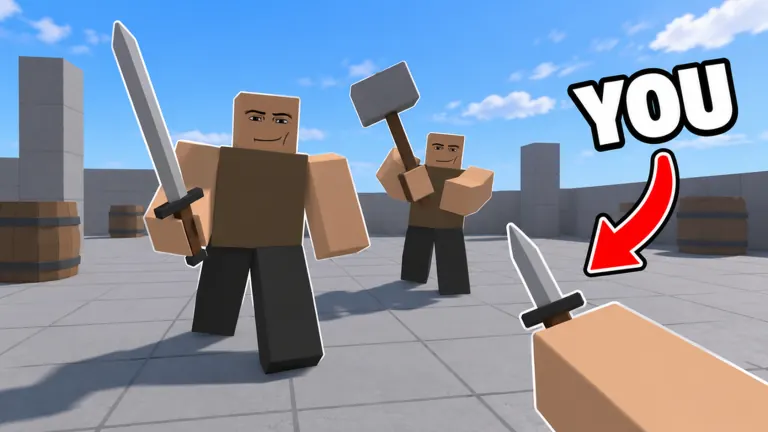
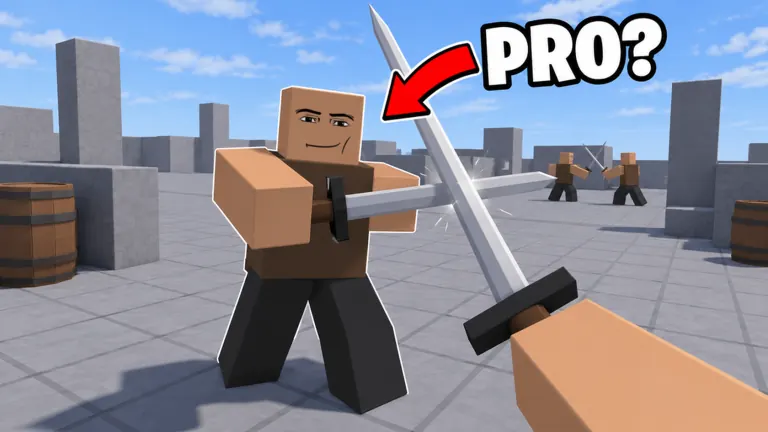
Official images 2 and 4 are first person, with a red YOU arrow on the weapon hand. That shows the camera sits in the fighter. It does not name the mouse button that swings.
FAQ
What is the parry button in Ragdoll Sword Battles?
No public source names it. A creator describes parrying, and the key itself is not written down.
How do you open codes on mobile?
The CODES entry exists. Its position on a touch screen is not documented.
Sources
- Roblox game page — Ragdoll Sword Battles — checked 2026-11-09
- Destructoid — earlier research snapshot; review HTTP 403 — checked 2026-11-08
- GameRant codes roundup — checked 2026-11-09
- Pro Game Guides — earlier research snapshot; review HTTP 403 — checked 2026-11-08
Related: latest codes · how we check facts